Everyone says you need AI. Nobody tells you which AI or what for. Let’s fix that.
If you’ve sat through a vendor pitch lately, you’ve heard some version of the same story: AI will transform your business, automate everything, and give you a competitive edge — just sign here. Meanwhile, your employees are quietly using ChatGPT to rewrite emails, and you’re not sure whether to be impressed or alarmed.
The honest answer? AI tools range from genuinely useful to overhyped, and the difference often depends on your specific business, your data, and how ready your team is to adopt new workflows. After working with Minnesota small and mid-sized businesses — from dental practices to financial firms to regional manufacturers — we’ve developed a clear picture of what’s working, what’s premature, and what questions you need to ask before spending a dollar.
Let’s break it down.
Category 1: AI You’re Already Using (And Probably Not Thinking About)
Before you evaluate a single new tool, recognize this: you’re already using AI every day. Most businesses just don’t frame it that way.
Microsoft 365 Copilot features have been rolling out since 2023. Depending on your M365 plan, you may already have access to AI-assisted features in Outlook (email summarization, suggested replies), Teams (meeting recap generation), and Word/Excel (draft assistance, formula suggestions). These aren’t the full Copilot add-on — which runs an additional $30/user/month — but they’re real capabilities worth exploring before you buy anything new.
Spam and phishing filters in your email platform use machine learning. So does the fraud detection on your business credit cards, Google search ranking, and the autocomplete on your phone’s keyboard. AI isn’t new — it’s been running quietly in the background for years. The current wave is different because it’s generative (it creates new content) and because it’s now accessible to non-technical users. That’s an important distinction when evaluating what’s genuinely new versus what’s just repackaged.
The takeaway: Audit what you already have before buying something new. Your existing Microsoft licensing may include more than you’re using.
Category 2: AI Worth Trying Right Now
These tools have crossed a threshold — they’re reliable enough to save real time, affordable enough to justify the experiment, and don’t require an IT project to stand up.
Meeting Transcription and Summaries
Tools like Microsoft Teams’ built-in transcription, Otter.ai, and Fireflies.ai can automatically transcribe and summarize meetings. For most business users, this is the single highest-ROI AI application available today. The use case is simple: you stop taking notes and start paying attention.
Honest assessment: They’re not perfect. Speaker identification can be wrong. Technical jargon gets garbled. You still need to review the output. But “good enough to be useful 80% of the time” is a reasonable bar — and these tools clear it. Cost is typically $10–$20/user/month for team plans.
Regulated industry caveat: If you operate in healthcare, financial services, or legal, check compliance before recording anything. Not all transcription platforms offer Business Associate Agreements (BAAs) for HIPAA compliance. Otter.ai offers a BAA on enterprise plans; Microsoft Teams transcription is covered under Microsoft’s existing compliance framework. Verify before you record a patient or client conversation — this isn’t optional.
Email and Document Drafting
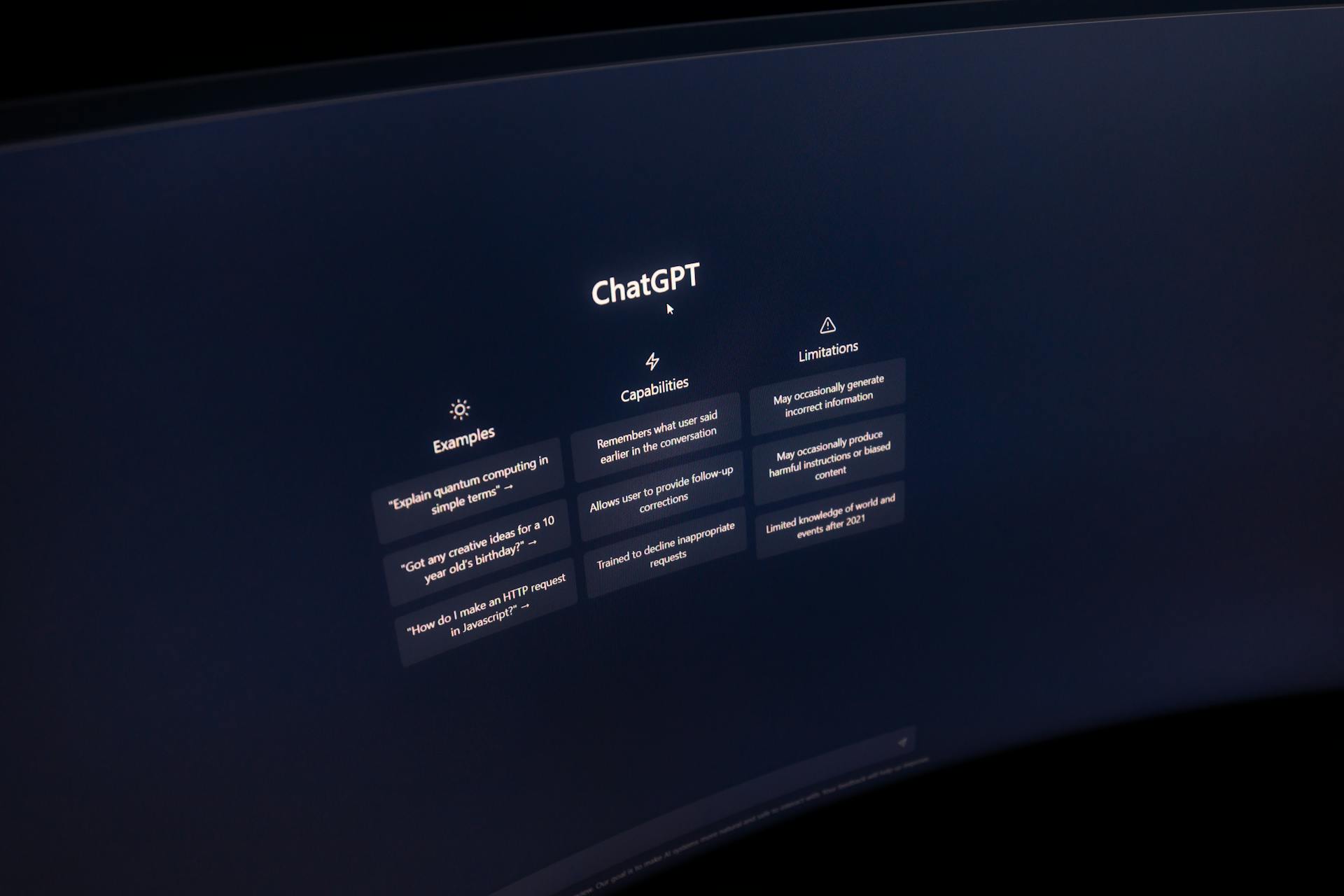
ChatGPT (OpenAI), Claude (Anthropic), and Microsoft Copilot are all capable of drafting emails, summarizing long documents, and helping you structure your thinking when you’re staring at a blank page. These tools are legitimately useful for repetitive writing tasks — drafting RFP responses, writing job postings, summarizing a 40-page contract.
Honest assessment: The output still needs editing. These tools don’t know your clients, your brand voice, or the history of your relationships. They’re a starting point, not a finished product. Think of them as a fast junior writer who needs supervision.
Regulated environment warning: Do not paste client data, patient information, financial records, or proprietary business information into free-tier ChatGPT or Claude. The default consumer versions of these tools may use your inputs to improve their models. If you’re in healthcare or financial services, this matters — a lot. Enterprise-tier accounts with data processing agreements exist, but they cost more and require configuration. More on that below.
Document Summarization
If your team regularly reads through lengthy reports, contracts, or vendor proposals, AI summarization can recover hours per week. Tools like Adobe Acrobat AI Assistant, Copilot in Word, and Claude can pull out key points from a 30-page document in under a minute. Verify the output, especially for anything with legal or financial implications — these tools can miss nuance or misread context.
Category 3: AI to Wait On
This is where hype outruns reality. These are real technologies — but for most SMBs right now, they’re not ready to build workflows around.
Autonomous AI Agents
You’ve probably seen demos of “agentic AI” — systems that browse the web, send emails, manage calendars, and take multi-step actions with minimal human oversight. It’s impressive in demos. In production at small businesses? The error rate is still too high for most real-world workflows. An agent that completes 90% of tasks correctly sounds promising until you realize that 10% failure rate compounds across hundreds of actions per day. Until reliability improves and audit trails become standard, this belongs in the “watch closely, don’t deploy widely” bucket.
Custom AI Built for Your Business
“Let’s train an AI on our own data” is a frequent request we hear. The reality: this is an expensive, technically complex project that requires clean and well-organized data, ongoing maintenance, and specialized expertise. For most SMBs, off-the-shelf tools configured thoughtfully will outperform a poorly built custom model at a fraction of the cost. Revisit custom AI in 12–18 months, once the tooling matures.
Industry-Specific AI Platforms
Every vertical now has vendors pitching AI-native tools — dental AI, construction AI, HR AI. Some are legitimate; many are traditional software with an AI marketing veneer. Ask hard questions: What does the AI actually do? Can they show you real performance data from comparable businesses? What happens to your data? What’s your exit strategy if you stop using the platform? Don’t pay an AI premium for features you could accomplish with tools you already own.
How to Evaluate Any AI Tool
When a vendor or employee brings you an AI tool to consider, run it through these four filters:
1. Data Privacy: Where does your data go? Who can access it? Is it used to train models? If you handle regulated data — HIPAA, PCI-DSS, or anything else — does the vendor offer a signed data processing agreement you can actually review?
2. Security: How does the tool integrate with your existing systems? Does it require broad permissions to your data? Has it been through a security review you can reference?
3. Cost vs. Time Saved: Be honest about the math. If a tool saves two hours per week per user and costs $20/month, that’s a good trade. If adoption is uncertain, factor in the cost of training and administration alongside the license fee.
4. Integration: Does it connect to the tools your team already uses, or does it create another silo? The best AI tools reduce friction. The worst ones just add another login to manage.
The Shadow AI Problem Nobody Talks About
Here’s something we see constantly with Minnesota businesses: employees are already using AI, with or without your approval.
Workers are using consumer AI tools for work tasks — with real business data: client names, financial figures, internal memos, strategic plans. They’re not being malicious. They’re trying to get their jobs done faster. But they’re doing it without guardrails, and that creates real risk.
This isn’t a discipline problem. It’s a policy vacuum.
Banning AI use outright rarely works and usually just drives the behavior underground. What works is a straightforward AI use policy that tells employees:
– Which tools are approved for work use, and under what terms
– What kinds of data should never go into an AI tool (client PII, financial data, proprietary processes)
– How to flag tools they find useful so the company can evaluate them properly
You don’t need a 20-page document. You need a one-pager, a brief team conversation, and a commitment to revisit it every six months. We help clients build these regularly — it’s one of the faster wins available right now.
Where Do You Actually Start?
The most common mistake we see is businesses either ignoring AI entirely or jumping in without a plan. The right approach is usually in the middle: start with tools you already have, run one or two carefully chosen pilots, and get a policy in place before the shadow AI problem grows.
We offer a free 30-minute AI Readiness Conversation — no sales pitch, no vendor agenda. Just an honest look at where your business is today and what would actually make sense to try next. We’ll tell you if the answer is “you already have what you need,” because sometimes that’s exactly right.
Schedule Your Free AI Readiness Conversation
Or call us directly. We’re Minnesota-based and we pick up the phone.
K&E Consulting provides managed IT services to small and mid-sized businesses across Minnesota. We work with healthcare providers, financial firms, and regulated industries where data privacy isn’t a checkbox — it’s a requirement.